

Your customers are happy. They tell you so, sometimes in writing, more often in person. And yet your Google listing has shown eleven reviews for three years.
This is not a quality problem. It is an asking problem. From what I see in my own business, and among the colleagues I talk to, almost every review arrives because someone asked for it, at the right moment and in the right way. Everyone else moves on, not out of ingratitude, but because their day carries on.
Here is the method I use in my photography business, and the lines you must not cross. Those lines matter: Google removes reviews obtained outside its rules, and can restrict an entire listing.
Ask. That is nearly all of it.
There is no trick. The main reason a business has few reviews is that it does not ask for them, or asks once, half-heartedly, in an email nobody opens.
Asking is not awkward. You have done good work, the person is pleased, and you explain that their review genuinely helps your business. Put that way, most people are glad to help. What makes people uncomfortable is the impersonal sales formula. Not the request itself.
One important point: you may ask all of your customers, but you may not choose who you ask based on what you expect them to say. I come back to this below. It is where a great many businesses get caught without realising it.
Mention it in person, then ask in writing
This is what makes the biggest difference, and it comes in two steps.
On the day, mention it. Not a formal request, just a sentence, at the moment the person thanks you: you tell them that reviews matter a great deal to a small business like yours, and that you will send them a link. They now know it is coming, and they have said yes, even without saying the word.
A few days later, ask in writing, in a message that is about nothing else. In my case, that is four or five days after I deliver the gallery, in a separate email. Separate is the key: a review request tucked at the bottom of a delivery email, beneath the files and the practical details, will not be read.
Timing matters. Enthusiasm has a short shelf life, and beyond a week or two the response rate drops sharply. Not because the customer is less pleased, but because the moment has passed.
If nobody replies, a single reminder, ten days or so later, recovers a good share of the people who simply forgot. One reminder only. Pushing further gains you nothing and may irritate, which is the exact opposite of what you want.
The right link: the one that opens the review box directly
This is the technical detail that changes everything, and almost nobody uses it.
If you write “leave me a review on Google”, your customer has to search for your business, find the right listing, scroll, and spot the button. People drop out at every step.
Google provides a short link that opens the review box directly, with the stars already showing. You will find it in your business profile, in the section that offers to request reviews. It looks like g.page/r/…/review.
Put that link everywhere your customers read you:
- in your email signature;
- in the message you send after the job;
- on a printed QR code, on the table, on the invoice, on the door;
- in the thank-you text message, if you send one.
A QR code on a small card, placed well, often produces more than an email campaign. The person has their phone in hand, they are still with you, and it takes fifteen seconds.
What Google actually forbids
This is the part everyone should read, because a great deal of misinformation circulates and the consequences are real.
You may not offer anything in return. Google is explicit: a merchant may not offer an incentive, discount or free product in exchange for posting a review. Paid reviews, in cash or in kind, fall under what they call fake engagement, which “is not allowed and will be removed”. The same applies to offering a customer something so that they change or withdraw a negative review.
The prize draw, the discount code, the free coffee in exchange for a review: all of it falls into this category, however innocent the intention.
You may not filter beforehand. This is the most widespread practice, and the least well understood. It consists of asking the customer first whether they are satisfied, then sending the Google link only to those who say yes, steering the unhappy ones towards a private form.
Google forbids it: selectively soliciting positive reviews is prohibited, as is discouraging or preventing negative reviews. Some tools on the market sell this as a feature. It exposes you.
Be careful with family and staff. A review left by someone who works or has worked for you is a conflict of interest in Google’s eyes, as is a contractual relationship. And you may not ask your team to obtain a given number of reviews.
The general rule is easy to remember: you are allowed to make leaving a review easy, you are not allowed to influence what it says or to choose who writes it.
Negative reviews matter less than you think
Fear of the bad review is a large part of why so many businesses never ask.
A perfect 5.0 across four reviews inspires less confidence than a 4.6 across two hundred. People sense it: a page without a single criticism looks arranged. One middling review, surrounded by dozens of honest ones, costs you almost nothing.
What does cost you is a negative review left without a reply. Reply, calmly, without a long defence, offering to put things right. That reply is not really for the author, who has usually moved on. It is for the dozens of people who will read the exchange before calling you.
Keep it going, do not just harvest
A steady flow beats a campaign. A visitor notices immediately: fifteen reviews all dated the same month last year send an odd signal, that of a one-off effort rather than a living business.
For a small operation, the sensible goal is a few reviews a month, obtained with no particular effort because asking is simply part of how you work. Not a spike followed by two years of silence.
One last point, and it is the one always forgotten: show your reviews on your own site. Seeing them displayed reminds your customers that their review serves a purpose and will be read. It is also, in practical terms, the only place where you decide how much room they get, since on Google you control nothing.
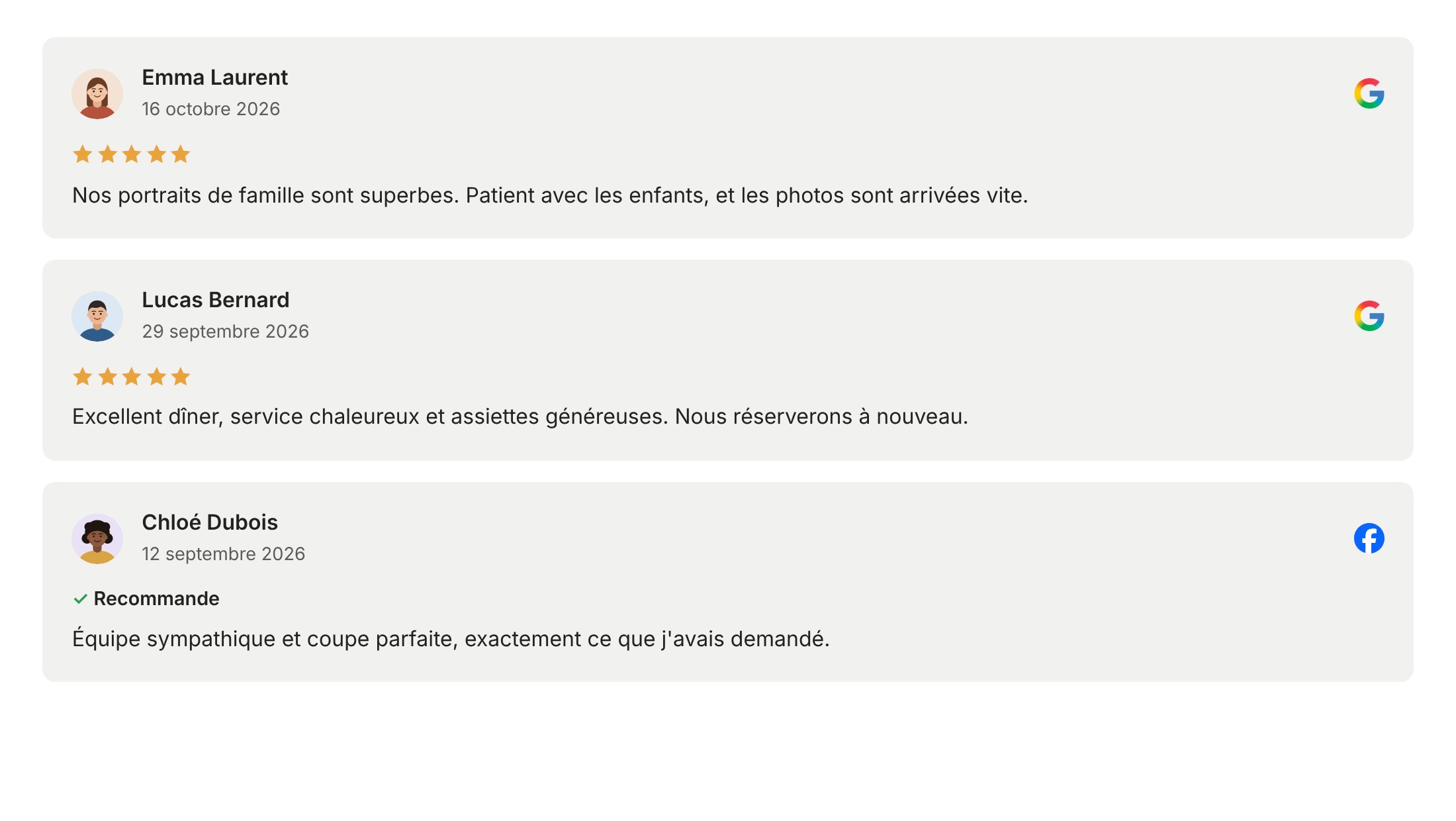
It was this very problem that led me to build Magnetic Stars, the free WordPress plugin that brings Google and Facebook reviews together on one site, in the order they were written. In a coming article I will look at a question people rarely ask: why the way you display your reviews matters as much as having them, and why most of the solutions on the market make them invisible to search engines.
Key points
- Ask every customer, systematically, without picking any of them.
- Mention it in person on the day, then ask in writing a few days later, in a message of its own.
- One reminder, around ten days after.
- Use the short link from your listing, and turn it into a QR code.
- Never offer anything in return, in any form.
- Never filter customers by how satisfied you assume they are.
- Reply to reviews, especially the bad ones.
- Display your reviews where they belong: on your own site.
The rules quoted in this article are those published by Google on its “Prohibited and restricted content” page. They change: check them if you are setting up a lasting process. This article describes a practice; it is not legal advice.